How to run a restaurant waitlist without pagers (or a crowded host stand)
Pagers get lost, the host stand turns into a scrum, and guests walk when they can't see the wait. Here is how to run your restaurant waitlist from a QR code instead: guests join from their phone, wait anywhere, and get a text when the table's ready.
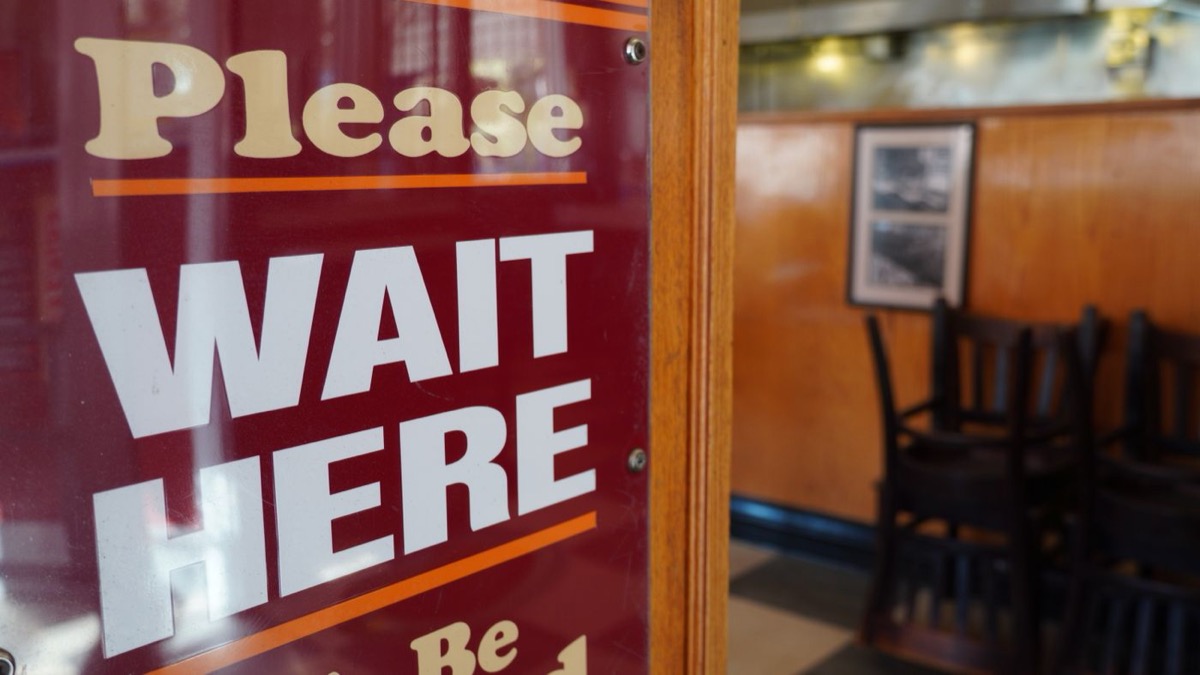
Friday, 7:45pm. There are twelve names on the clipboard, a huddle of guests packed into the doorway, and a tray of pagers by the till with two of them missing. The host is calling a name over the noise for the third time and nobody is answering, because that party gave up ten minutes ago and you did not notice. Every one of those problems has the same root: the wait lives at your host stand instead of on the guest's phone.
Here is how to move it, and run a calmer, faster waitlist without a single pager.
Why pagers and the paper list quietly cost you
The clipboard-and-pager combo has run restaurant waitlists for decades, so it is easy to assume it is fine. Walk the door during your rush and you will see the cracks.
- Pagers get lost, walked off, and worn out. You buy them, charge them, sanitize them between guests, chase the ones that leave with a party who wandered too far, and replace them when they break. It is a small tax you pay every single service.
- The host stand becomes a bottleneck. Every "how much longer?" comes to one person at one spot, so your host spends the rush answering the same question instead of turning tables.
- A crowded doorway turns people away. When the wait spills into the entrance, the next guest on the pavement sees a packed room and a scrum at the door, and keeps walking to the place next door. You never even know they came.
- Guests walk because they cannot see the wait. A name on a clipboard tells someone nothing about how long they will stand there. Uncertainty is what makes people leave, and we wrote about exactly that in why customers give up and leave your queue.
None of these is about your food. They are about where the wait lives.
The fix: put the waitlist on the guest's phone
The single change that solves all four is to let a guest join the waitlist from their own phone and wait wherever they like. That is what a QR queue for restaurants does. You put one code at the door, the guest scans it, adds their name and party size, and they are on the list. Their phone becomes the pager.
Now the guest can see their place in line and a live wait estimate on their own screen. They can sit at the bar, wait in the car, or walk the block, and a text brings them back the moment their table is ready. The host stand stops being a help desk and the doorway clears out.
You do not need any hardware for this. The code opens an ordinary web page, so there is no app for the guest to download and no pager for you to buy. It is the same idea behind a QR queue, pointed at the specific job of seating tables.
Show the wait, and watch walk-offs drop
If you take one thing from this, make it this: show people the number.
A guest who can see "you are 4th, about 25 minutes" behaves completely differently from one staring at a clipboard. They stop hovering. They stop asking your host for updates. They go get a drink, because now they trust the wait. That certainty is the difference between a party that stays and one that quietly leaves.
A live estimate does double duty. It calms the guest already waiting, and it reassures the person glancing in from the street that the wait is real and moving. "Full" is scary. "About 25 minutes, and you can wait at the bar" is an easy yes.
Clear the doorway with a code in the window
Walk outside during your rush and look at your own entrance the way a stranger would. If the wait reaches the door, you are turning away the people who have not come in yet, silently, all night.
Put a QR code in the window facing the street, and a passer-by can join the list before they even reach the door. They scan, they are fourth in line, and they go wait somewhere comfortable instead of adding to the crush at your entrance. A restaurant that looks calm from the pavement pulls people in. One that looks jammed pushes them to the competitor down the road. Our guide on where to put your queue QR code covers the window placement in detail.
Keep walk-ins and reservations in one list
The other quiet win: stop running two systems. Most restaurants juggle a booking book for reservations and a clipboard for walk-ups, then try to reconcile them by eye on the busiest night of the week.
With a QR waitlist, walk-up parties join the list now and guests who booked ahead land in the same ordered view. Front of house looks at one screen, seats the next party with a tap, and never has to mentally merge two lists mid-rush. Fewer mistakes, less friction, and a host who can actually watch the room.
A simple way to start this week
You do not need to rebuild your front of house to fix your waitlist. Start with the two changes that cost nothing and move the needle most:
- Let guests hold their place from their phone instead of standing in the doorway. Their phone is the pager now.
- Show them the wait, live, so they stop asking and stop leaving.
Add a code in the window once those are in, and you will catch the guests you are currently losing to the pavement glance.
If you want to try it, Filaro turns your waitlist into a QR code guests scan to join from their phone, with a live place, an honest wait, and a text when the table is ready. No app, no pagers, no hardware. You can set it up for restaurants in an afternoon and run tomorrow's Friday rush from it.
Photo via Pexels: restaurant entrance sign by Israyosoy S..