How to let walk-in clients choose their barber (without slowing the shop down)
Regulars want their usual barber. Flexible clients just want the first free chair. Here is how to run per-barber walk-in queues from one QR code, so the regular isn't skipped and the other chairs stay full.
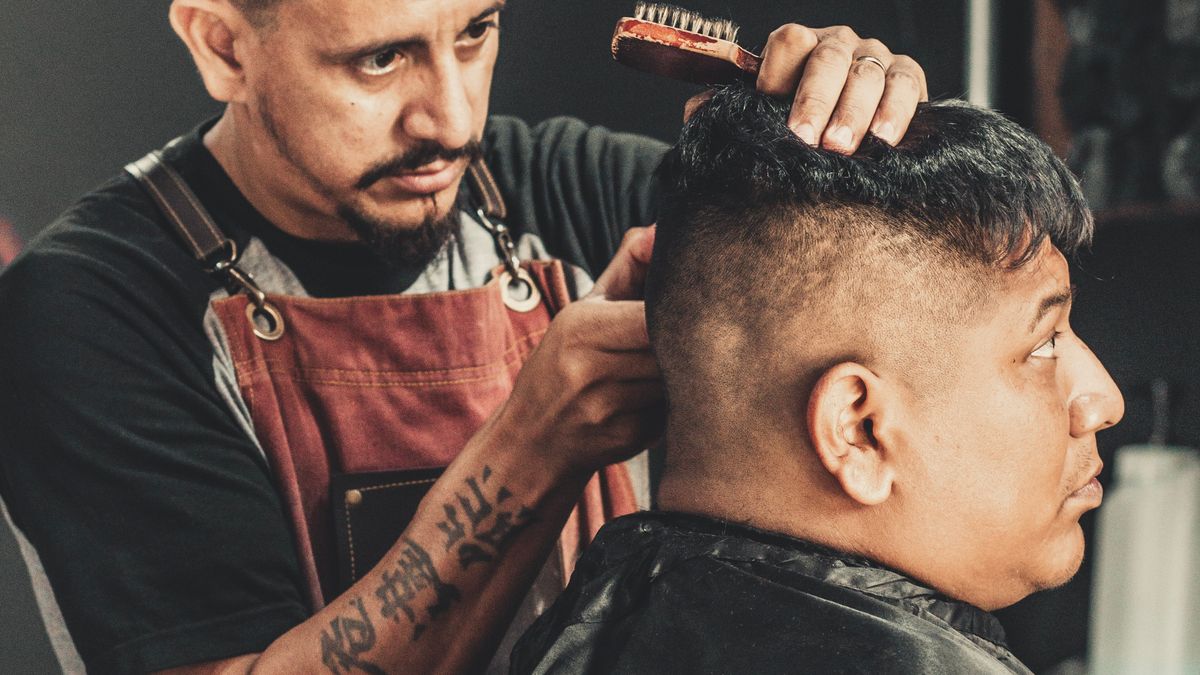
Here is a problem every multi-chair shop knows. A regular walks in and wants Tony, because Tony has cut his hair for six years and nobody else touches it. But your walk-in list is one line, first come first served. So either you skip him ahead to whoever is free (and he says "no thanks, I'll wait for Tony"), or he sits there while three chairs open up and he takes none of them. One notepad cannot hold two ideas at once: the order people arrived, and who each of them actually wants.
That gap is where the "who's next?" confusion lives, and it gets worse the more barbers you have. Here is how to fix it, so a client can ask for their barber without gumming up the whole shop.
Why one list breaks down with more than one chair
A single waiting list assumes every client is interchangeable: next name, next free chair. That works with one barber. With three or four, it quietly fails in both directions.
- The regular gets skipped or stuck. If you call strictly in order, you hand Tony's loyal client to whoever is free. If you honor the request, that client sits while other chairs sit empty, and the people behind him grumble about the wait.
- The flexible client pays for someone else's preference. The person who genuinely does not care who cuts their hair should be in and out fast. On a single list, they get stuck behind someone waiting for one specific barber.
- Your team ends up managing the list instead of cutting. Every "is it my turn?" and "can I wait for Sam?" comes back to whoever is holding the notepad.
The shop is trying to run two different queues, a "give me anyone" queue and a "give me my barber" queue, on one piece of paper. It cannot.
The fix: one code, a queue per barber
The cleaner model is to let each client say who they want when they join, and give each barber their own next-in-line. With a QR queue for barbers, a client scans the code, adds their name, and picks: their usual barber, or "anyone, fastest." Everyone still lands in one list you can see, but now the list knows what each person actually asked for.
When a chair opens, that barber calls their own next eligible client: the next person who asked for them, or the next person with no preference. Tony calls Tony's regular. The barber who is free calls the next "anyone" client. Nobody is skipped, and nobody is stuck.
The magic is in the "anyone, fastest" option. Those clients are the mortar that keeps every chair full: any free barber can take them, so the shop never stalls waiting for one specific person to become available. The clients who want a specific barber wait only for that barber, which is exactly what they signed up for.
Why this keeps the shop moving, not slower
It sounds like more complexity, but on the floor it is less. Each barber looks at their own "call next" and taps it. There is no mental math about who is owed what, no arguments about who was really first, and no client sitting through empty chairs feeling ignored.
- The regular is happy. They asked for Tony, they waited for Tony, and they were not bumped to a stranger.
- The flexible client is fast. They took the first chair that opened, exactly as they wanted.
- You keep every chair earning. "Anyone" clients flow to whoever is free, so a busy Saturday does not leave a chair empty while someone holds out for one barber.
And because every client can see their own live place and wait on their phone, the questions stop coming to the counter. We wrote about why that visibility matters so much in why customers give up and leave your queue: a client who can see the wait is far more likely to stay.
Turning it on
In Filaro this is a single switch. Turn on "let customers choose who serves them," add your barbers, and the join page starts showing a picker: "Anyone (fastest)" at the top, then each barber. Clients pick when they scan. Your dashboard splits into a "call next" for each barber, plus a plain "call next" for anyone, and you can move a waiting client to a different barber with one tap if someone's regular runs late or goes home early.
If you do not need it, leave it off and the queue runs as one simple line. It is there for the shops that have the "I only see Tony" clients, which is most shops with more than one chair.
Same idea for salons
If you run a salon or a hair studio, this is if anything more useful. Salon clients are often more attached to their stylist than barber clients are, and appointments and walk-ins mix more. The same setup lets a walk-in ask for their stylist, keeps the "anyone" clients moving through whoever is free, and shows everyone an honest wait. It is the same QR queue, pointed at the way a salon actually runs.
The short version
If you have one chair, a single list is fine. The moment you have two or more, your clients stop being interchangeable, and a single list starts costing you: skipped regulars, stuck flexible clients, and empty chairs on a busy day. Letting each client pick their barber, from one QR code, fixes all three at once.
If you want to try it, you can set up a QR queue for your shop, turn on the barber picker, and run this Saturday's rush from it. It is free to start, with no app for your clients and no hardware for you.
Photo via Pexels: barber at work by Th2city Santana.