A QR queue fixed my barbershop's Saturday rush, and here's exactly how it works
I run a walk-in barbershop and weekends were chaos. Switching to a barber shop QR queue meant customers join the line from their phone and I stopped losing people to the coffee shop next door.
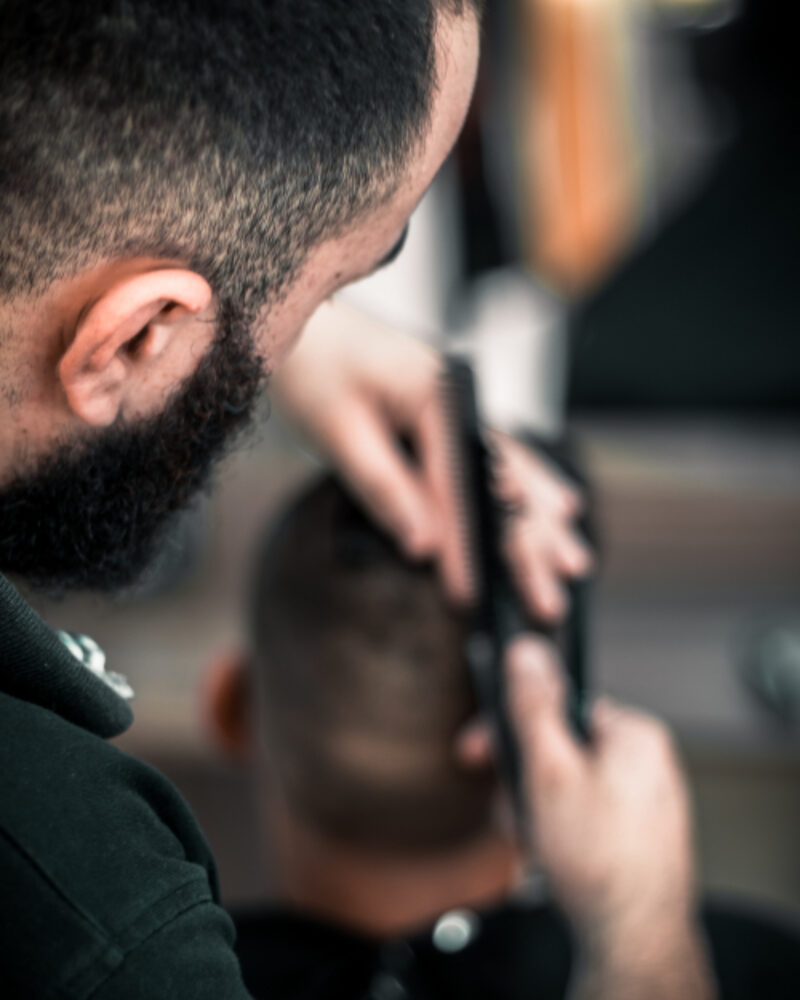
For about three years my queue system was a spiral notepad next to the till and my own voice.
It held up fine on a quiet Tuesday. Two or three lads waiting, I'd scribble first names, call them when a chair opened. No system needed. But Saturday between roughly 9am and 2pm was a different animal. The shop fills, the door keeps going, and I'm mid-fade when someone new walks in and asks the question I dreaded: "how long's the wait, boss?"
I'd guess. Forty minutes, give or take. They'd nod, then do the thing that broke everything: wander off to the coffee shop two doors down to kill the time. Fair enough. Except now I've got a name on a notepad and no person attached to it. Do I skip them? Wait? Twice in one morning I had two different guys both convinced they were next, and I'm standing there with clippers in hand playing referee instead of cutting hair.
That was the week I decided a barber shop QR queue was worth building properly, not just patching with another paper trick.
What a QR queue actually is (in plain terms)
A QR queue is a virtual waiting line your customers join by scanning a code. No app to download, no ticket to hold, no name shouted across a busy room.
Here's the whole thing from the customer's side:
- They walk in and scan a small QR code on the wall or the mirror.
- Their phone opens a page showing your shop and a "join the queue" button.
- They tap it, maybe drop a first name, and they're in, with a live position and a rough wait time.
From my side, I get a simple dashboard on my phone or the shop tablet. I see everyone waiting in order. When a chair frees up, I tap "next," and the person at the front gets pinged. That's it. The notepad's in a drawer now.
The key word is live. A paper list is a snapshot from whenever I last looked at it. A QR queue updates itself. When someone leaves, the line closes up on its own, and nobody has to re-count.
Why the QR part matters more than I expected
I'll be honest, I first thought the QR code was a gimmick. Scan-to-do-anything felt very 2021 restaurant-menu. But for walk-ins it solves a specific, annoying problem: it lets someone join without me touching anything.
The barber is the bottleneck. Every second I spend writing a name, checking a list, or explaining the wait is a second I'm not cutting. Move the "joining" step onto the customer's own phone and that whole bit of admin just… disappears from my day. They add themselves. I only ever tap one button: next.
The other thing the QR queue quietly fixed was the coffee-shop problem. Because people can see their position update on their own phone, they're happy to leave and come back. They're not glued to a bench guarding their spot. When they're near the front, they get a heads-up. Nobody misses their turn, and my waiting area doesn't feel like a doctor's surgery at 8am.
The bit nobody tells you: it changes the mood of the shop
This is the part I didn't see coming. When the line is a mystery, people get tense. They hover, they ask, they get short with you. When everyone can see exactly where they stand (third in line, about 25 minutes), the whole room relaxes. Fewer "am I next?" interruptions. Fewer awkward standoffs. I get to be a barber and a bit of a host again, instead of a bouncer with a comb.
That matches how I think a shop should feel anyway. A good queue is a good host, not a ticket machine.
How I set mine up
I ended up building the tool I wanted and calling it filaro, because nothing off the shelf fit a one-and-a-bit chair walk-in shop without either being overkill or wanting hardware I didn't need. But the setup would be the same with any decent QR queue tool:
- Create the shop and get your link. You get a public page, something like
/q/your-shop, and a QR code that points to it. - Print the code and stick it where people look. Mine's on the mirror by the door and on a little table tent by the till. Costs nothing but a sheet of paper.
- Open the queue when you open the shop. One toggle. When you're done for the day, close it so nobody joins a line that isn't moving.
- Work the "next" button. Chair's free, tap next, the front of the line gets called. Repeat until closing.
The whole thing took an afternoon to get running and about one Saturday to become second nature.
Who this is not for
Quick reality check, because I don't want to oversell it. If you're strictly appointment-only, a QR queue is the wrong tool. You want a booking system, not a walk-in line. And if you genuinely only ever have one person waiting, the notepad's fine, keep your money.
But if your busy hours look anything like my Saturdays, a moving line, people who want to nip out and come back, and you stuck in the middle managing it all, then a barber shop QR queue is the single change that gave me my weekends back.
I still cut the same number of heads. I just stopped spending half the day managing the line to get there.
Azeem runs a walk-in barbershop and built filaro, a QR queue for small businesses, after one too many Saturdays refereeing his own waiting room.